Meet the NomadFi™: Pocket-Sized Powerhouse. 🌍 Stop hunting for public WiFi. Get your own secure, high-speed connection anywhere on Earth.
$99.99$64.95
HURRY! ONLY 250 LEFT IN STOCK.
98% customer buy 3-5 items to use daily and gifts for their beloved one
People are viewing right now
Sale ending in
1308
Buy more save more
Description
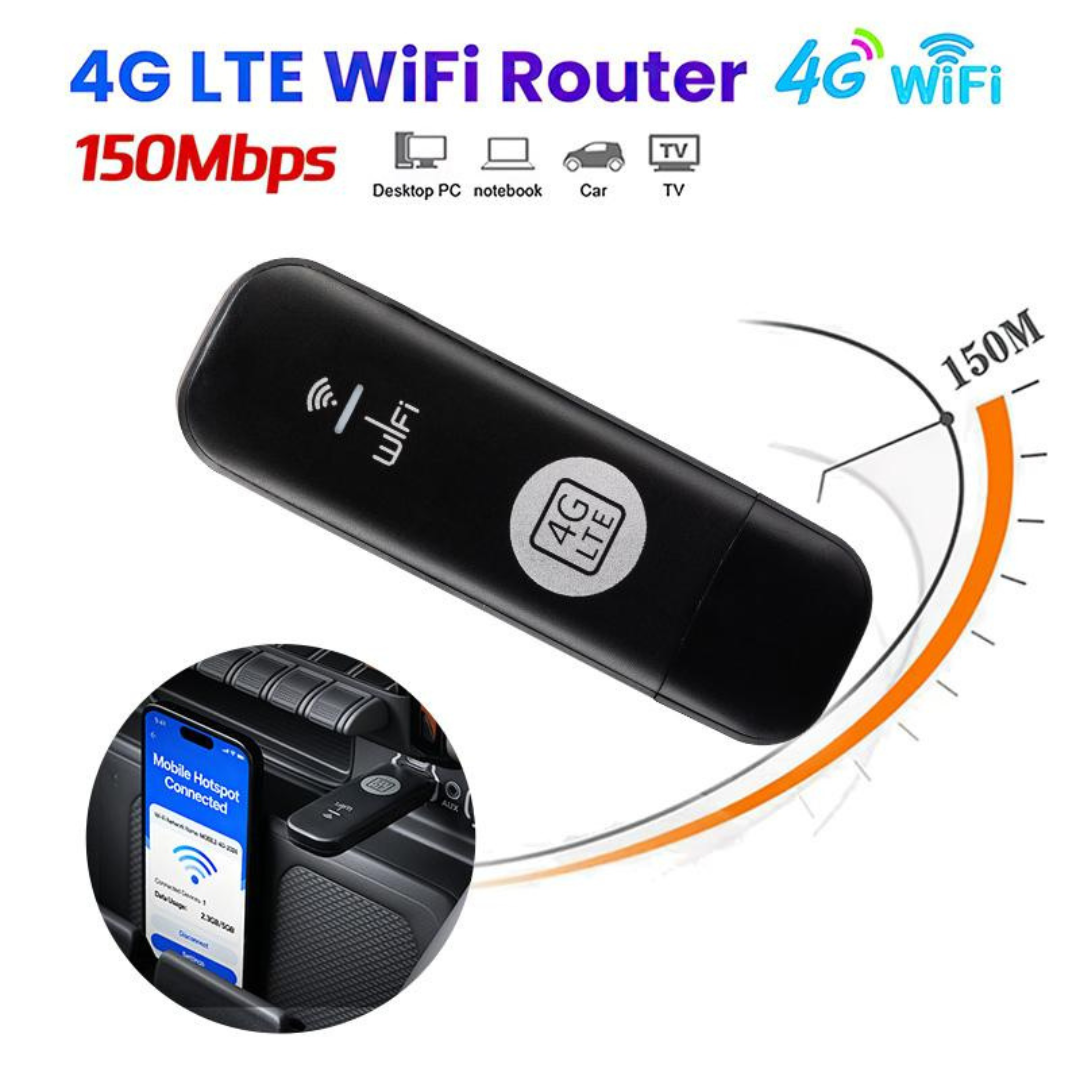
Stay connected wherever you go with this USB 4G LTE mobile data modem. Designed for easy plug-and-play connectivity, it supports multiple LTE bands (including B1, B2, B3, B4 and more) to ensure broad network compatibility across regions. Simply insert a SIM card, plug into a USB port, and access fast mobile internet for browsing, streaming, teleconferencing, and remote work. Compact and portable, this dongle is ideal for laptops, travel, and backup connectivity when Wi-Fi isn’t available.
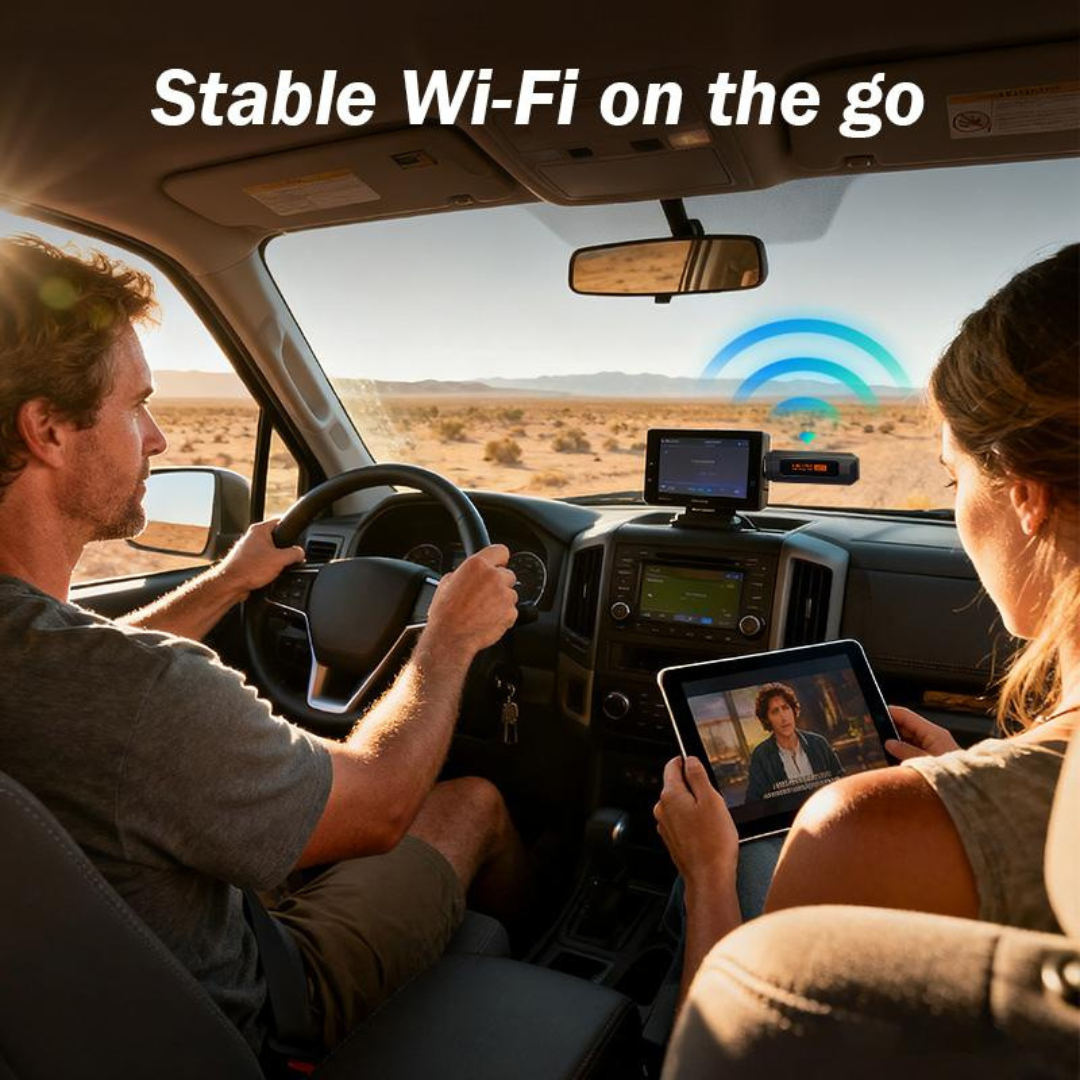
Multi-Device Support:Connect up to 10 devices simultaneously with the 4g wifi modem router, ideal for group usage in SOHO, vehicle, or travel scenarios.
High-Speed Internet Access:Achieve up to 150Mbps with this 4G USB wifi modem, providing reliable high-speed internet for all your mobile and online needs.
Versatile Connectivity:Supporting multiple 3G/4G frequency bands, this 4G wifi modem with SIM card slot keeps you connected worldwide.
Wide Coverage:Equipped with a built-in antenna, the 4g wifi modem router offers a wide Wi-Fi signal range for optimal connectivity.
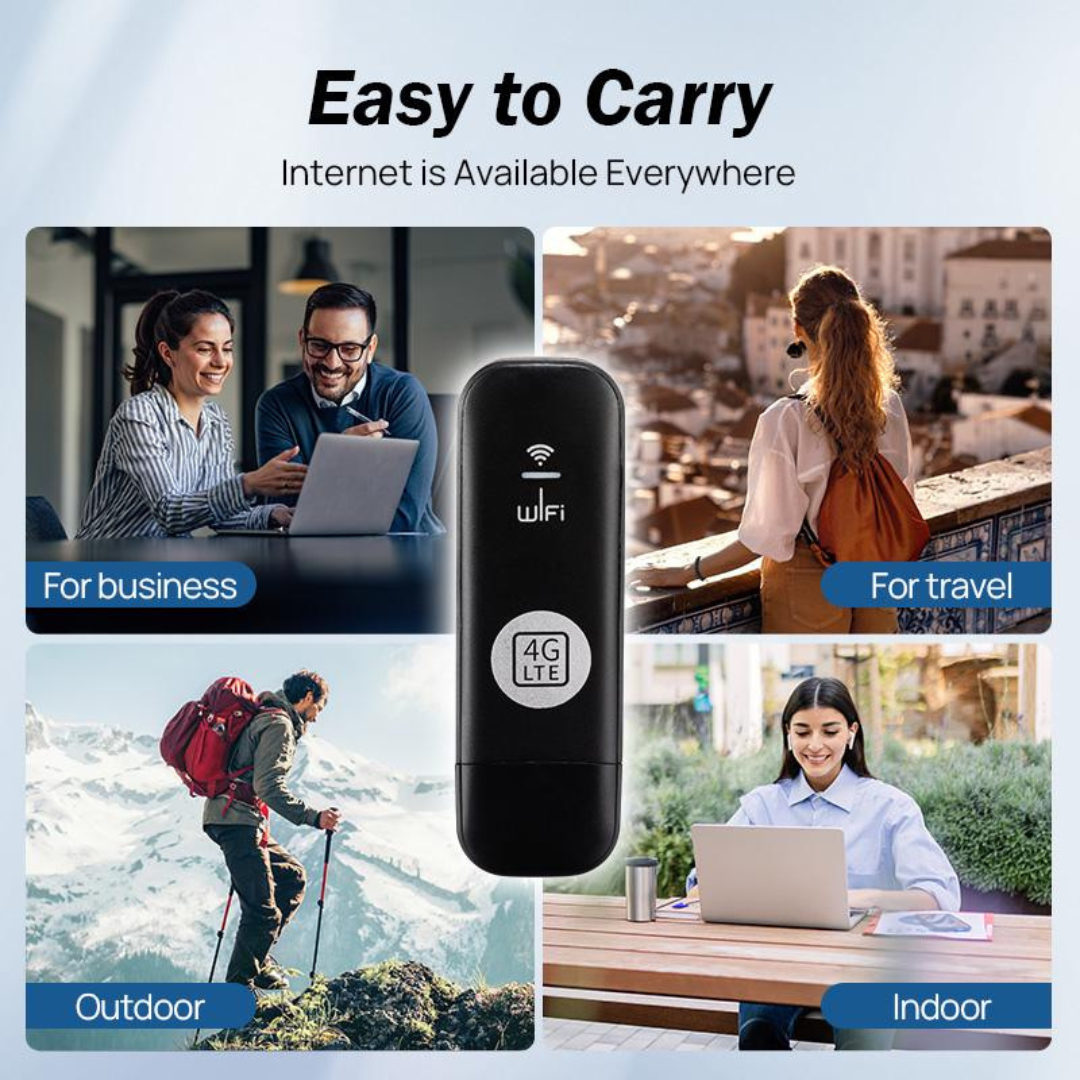
Portable and Convenient:Compact and stylish, the 4g usb wifi modem is the perfect travel companion for seamless internet access on the go.
SPECIFICATIONS:
Connection Type: USB 4G LTE modem (USB dongle)
Network Bands: Supports LTE bands including B1, B2, B3, B4 (plus potentially additional bands, depending on variant)
Maximum Speed: Typical 4G LTE mobile broadband (up to ~150 Mbps down / ~50 Mbps up, device dependent)
Interface: USB-A plug-in for laptops, PCs, or compatible routers
SIM Card: Nano-SIM required (not included)
Compatibility: Windows / macOS (driver/app may be required)
LED Indicators: Connection status and signal strength display (if equipped)
Power: Powered through USB port (no external power needed)
Portability: Compact, lightweight design for travel and remote work
How to use Insert SIM Card: Open the back cover (or SIM slot) and insert a compatible 4G Micro/Nano SIM card.
Power On: Press and hold the power button until the indicator lights turn on.
Connect WiFi: Search for the WiFi network name (SSID) and enter the password (Key) printed on the label inside the device or on the back.
Management: Open a web browser and enter the IP address (usually 192.168.100.1 or 192.168.0.1) to access the router settings.